


Tekton
Tekton 3/8, 1/2 Inch Drive 90-Tooth Electronic Torque Wrench Set with Cases (2-Piece)
Tekton 3/8, 1/2 Inch Drive 90-Tooth Electronic Torque Wrench Set with Cases (2-Piece)
Regular price
$695.00 USD
Regular price
Sale price
$695.00 USD
Unit price
per
Shipping calculated at checkout.
Couldn't load pickup availability

Simple Controls and Straightforward Operation
- Fast to power-on, select a mode, and set your target
- Large, clearly-labeled buttons
- Backlit LCD screen with bold fonts and clear contrast
- Real-time sensory feedback from sequential lights, beep patterns, and handle vibration
- Dedicated button for quickly selecting saved presets
- Simple navigation menus with quick escape button
Three Measurement Modes
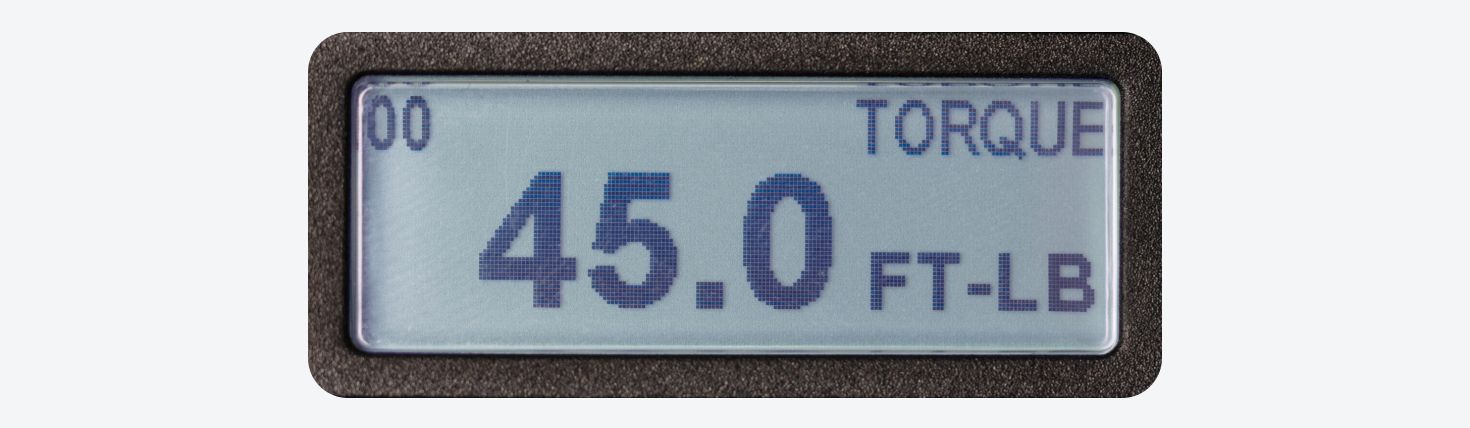
Torque
Torque Mode measures the resistance to rotation as you tighten the fastener. Toggle between ft-lb, in-lb, Nm, and kg-m. Use when tightening to a defined torque specification.
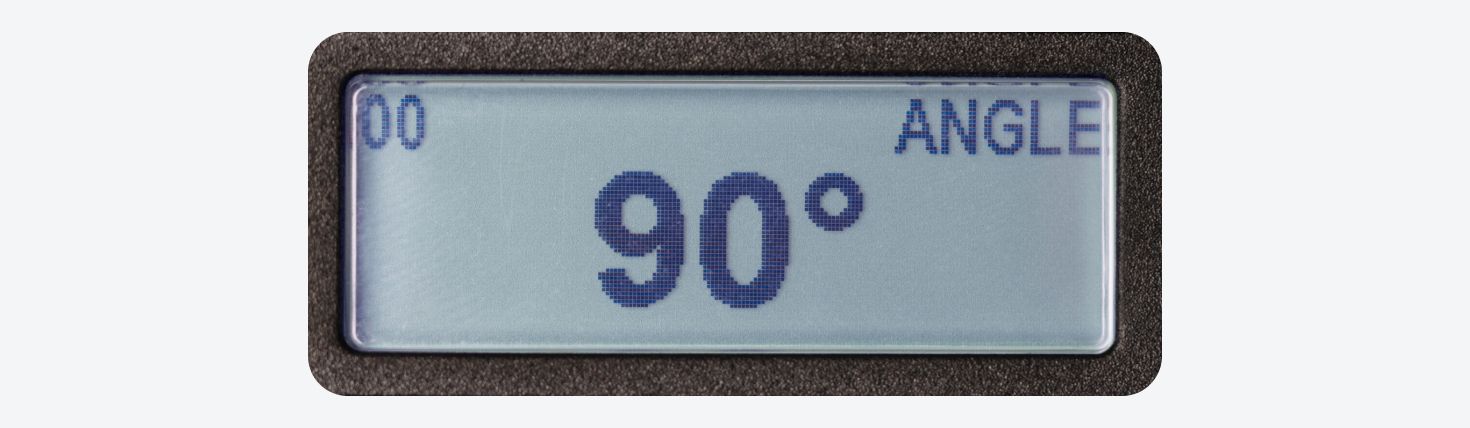
Angle
Angle Mode measures degrees of rotation. Use when the specification prescribes turning a tightened fastener an additional amount to achieve the final clamping force.
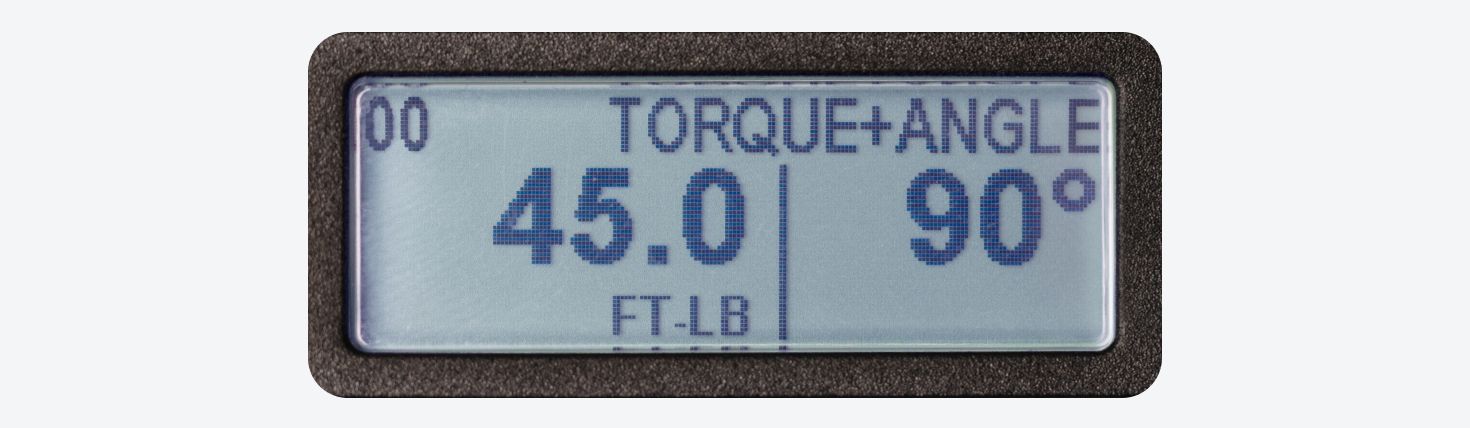
Torque + Angle
Torque + Angle Mode combines the settings from the Torque and Angle Mode screens and allows you to do both operations in one step without stopping to change modes.
Lights, Sounds, and Vibration Feedback
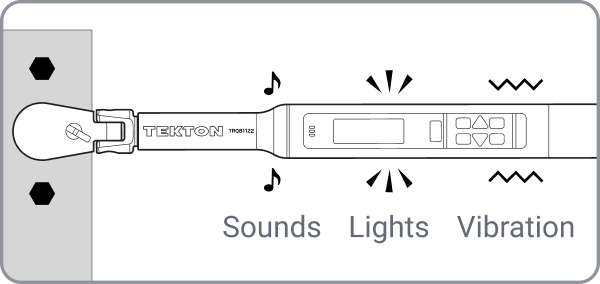
In addition to the LCD screen, the torque wrench also provides real-time sensory feedback. Lights change from yellow to green, beeps change to a continuous tone, and the handle vibrates when you hit your target value.
Accumulate Angle in Multiple Sweeps
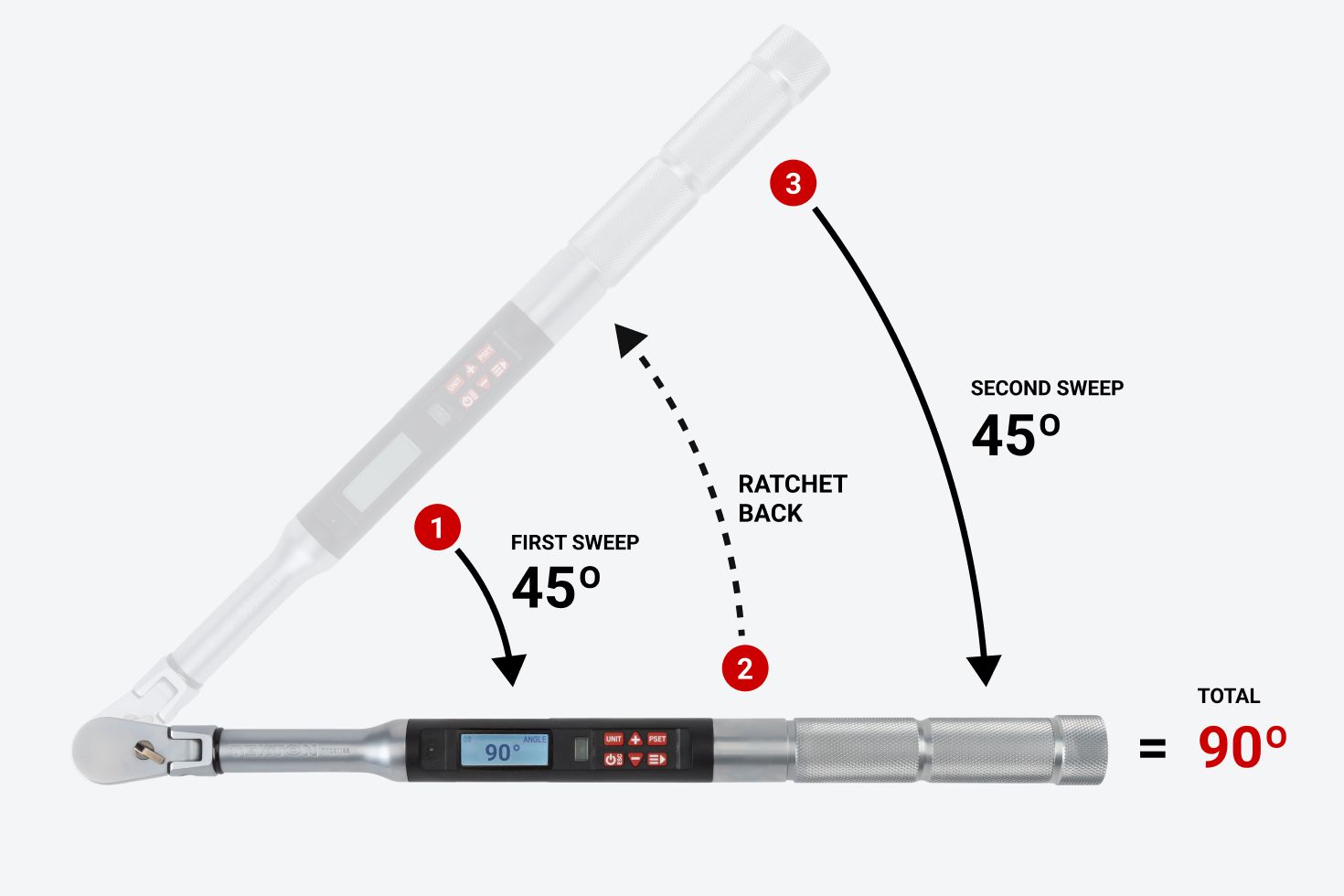
You don't need to complete an angle in one single sweep. An onboard gyroscope allows the ratcheting action to accumulate the total angle in multiple steps.
Easy Conversions for Length Offset
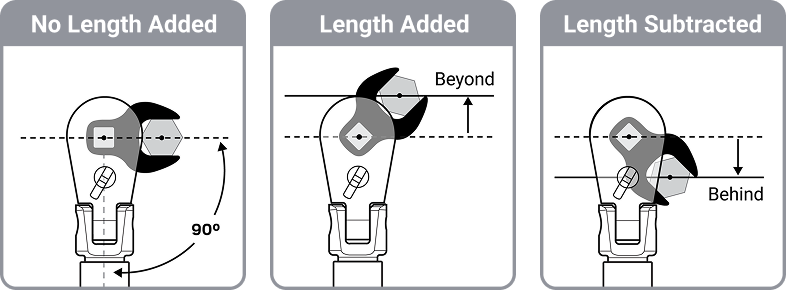
Using an off-axis tool such as a crowfoot wrench or torque adapter can change the effective length of the torque wrench. By entering a length offset, the torque wrench will calculate the necessary torque conversion.
You can set a positive or negative offset, up to 15 in. or 381 mm. The offset can be used in all three measurement modes.
10 Customizable Presets with Repetition Counters
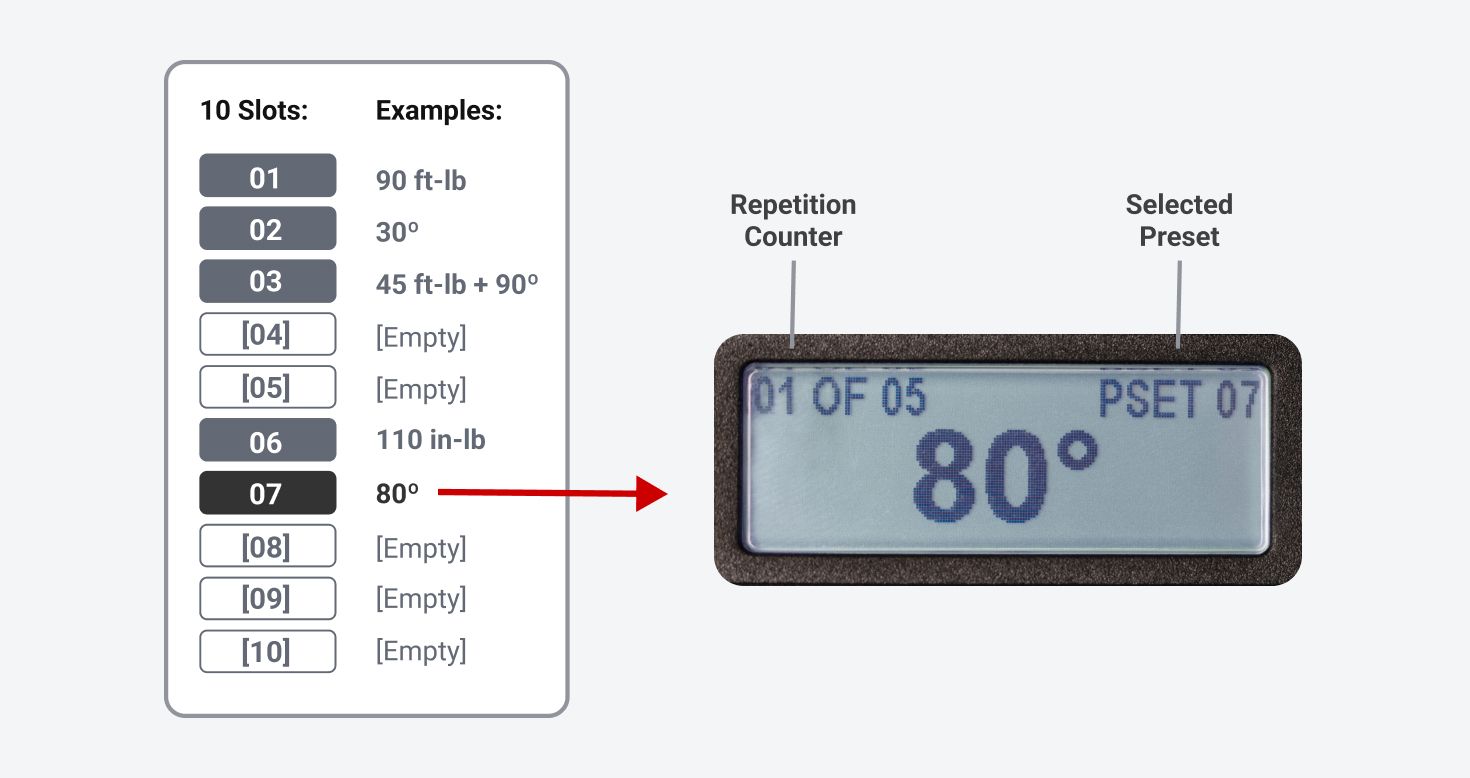
You can save up to 10 presets and assign them to ordered slots. Each preset stores your measurement mode, target value, and unit. Optionally, you can set a number of repetitions (up to 99) to count each measurement in a series of fasteners.
Additional Features
Saved History for the Last 50 Measurements
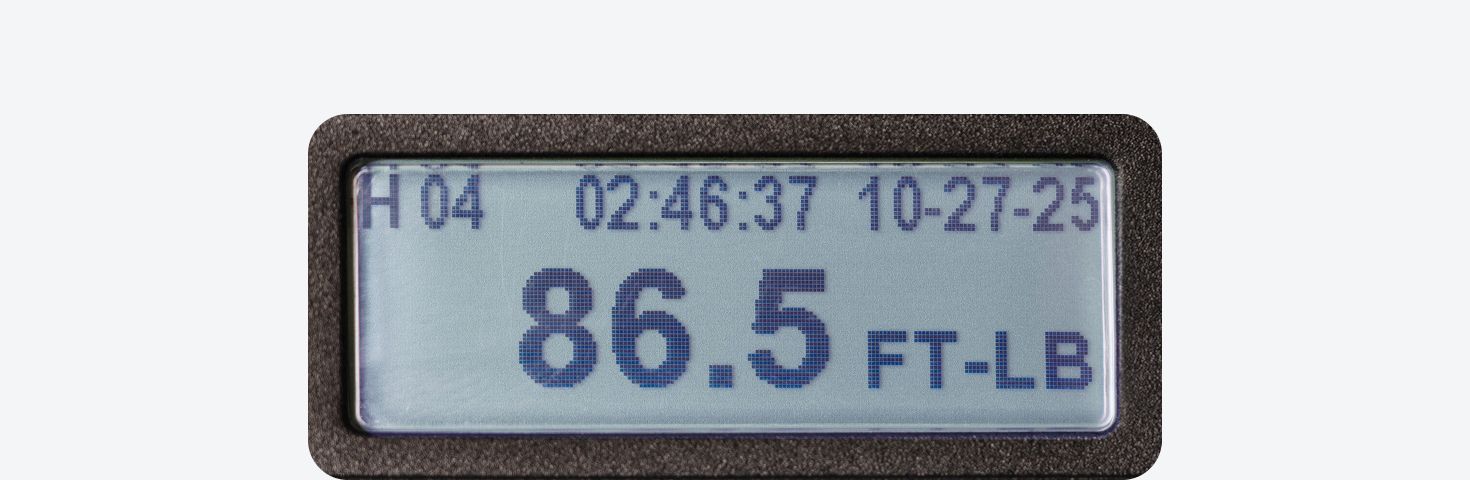
A history record gets saved each time a peak measurement meets or exceeds your target value. The long-term memory will save the last 50 records, and all records can be cleared anytime.
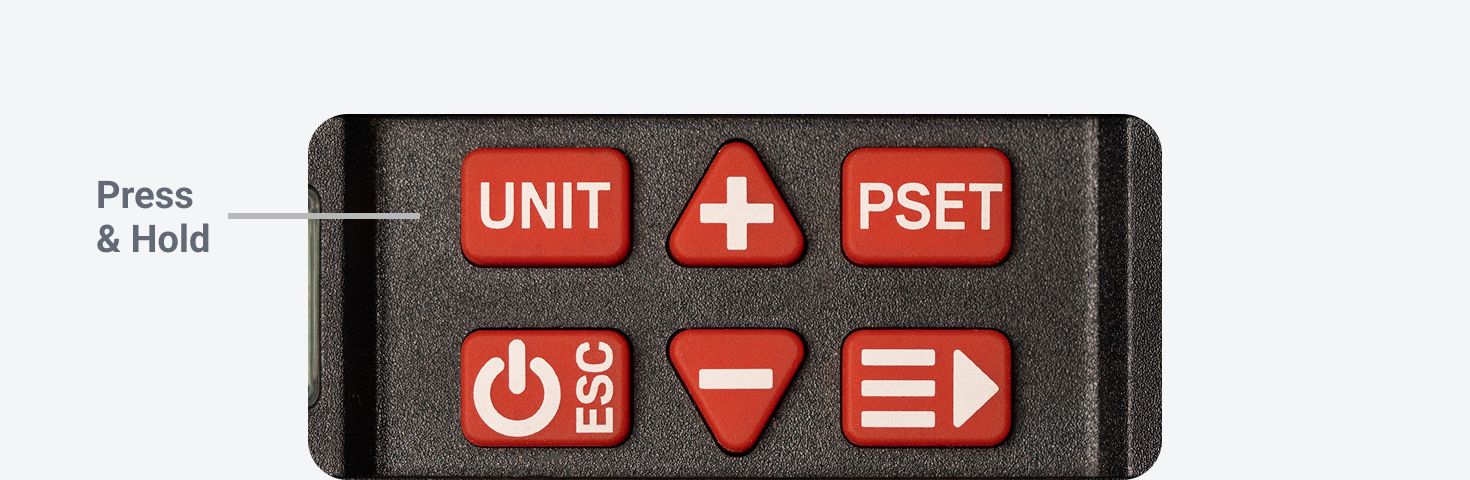
Shortcut to Recall the Last Peak Measurement
You can press and hold the UNIT button to view the last peak measurement. This is the same measurement as the most recent record in the HISTORY menu, but you don't need to navigate through the menus to find it.
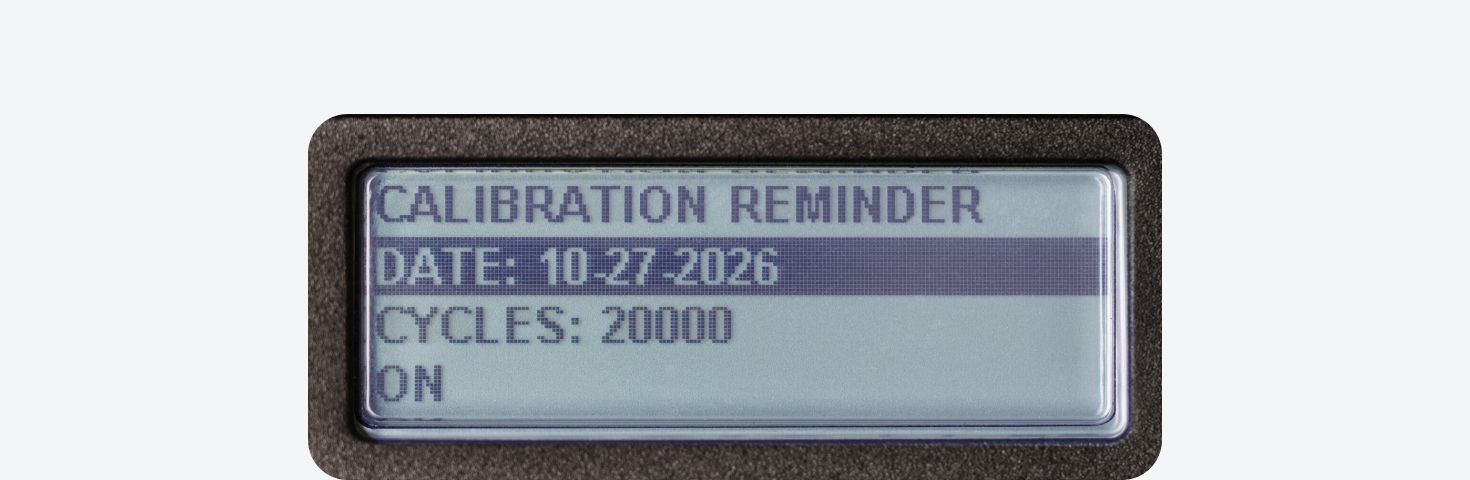
Set a Future Calibration Reminder
You can have the torque wrench remind you to recalibrate by a certain date and/or cycle count to maintain its original accuracy.
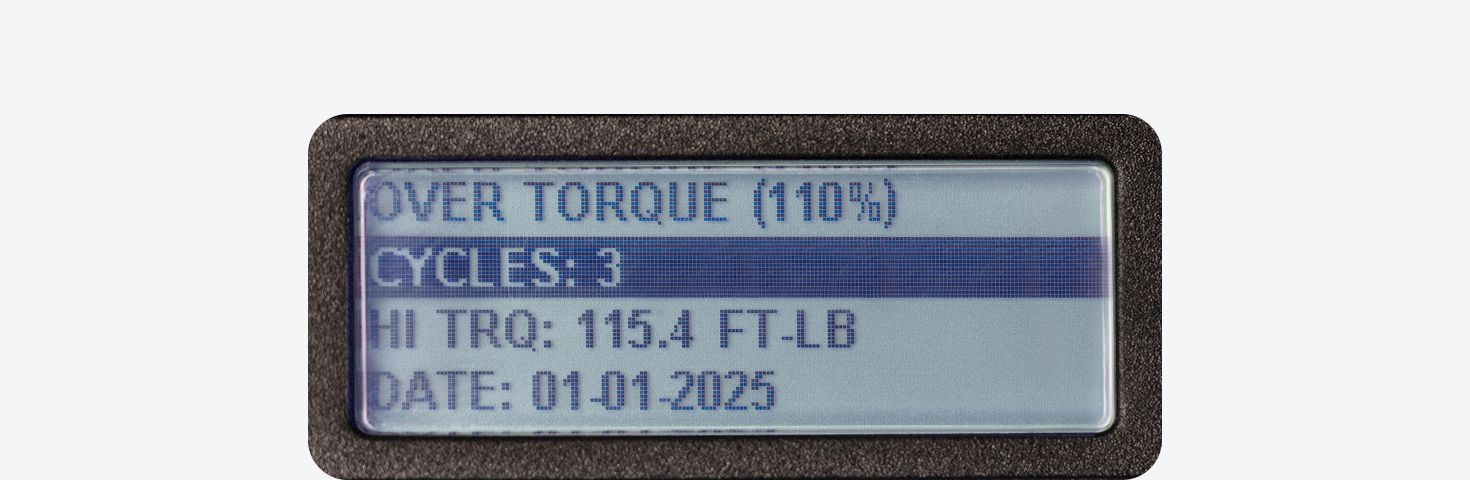
Over-Torque Warnings and History
If the peak measurement exceeds 110% of the wrench's maximum torque setting, then there will be on-screen warnings, along with sounds and lights to alert you. Every instance of over-torque will be counted and the highest value will be saved for reference.
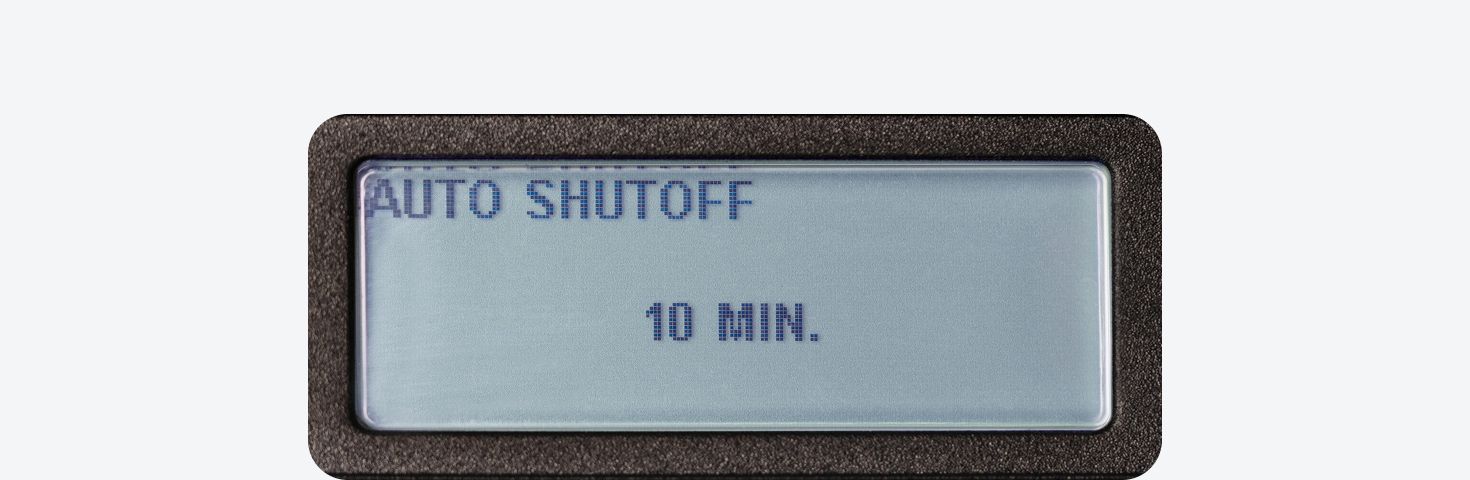
Power-Saving Auto-Shutoff Timer
An auto-shutoff feature preserves battery life, and the timer can be set to 2, 5, 10, 30, 60, or 120 minutes.

Total Cycle Counter
A single cycle is counted whenever a target torque or angle value is reached. The total cycle count is available in the Information sub-menu as a reference.
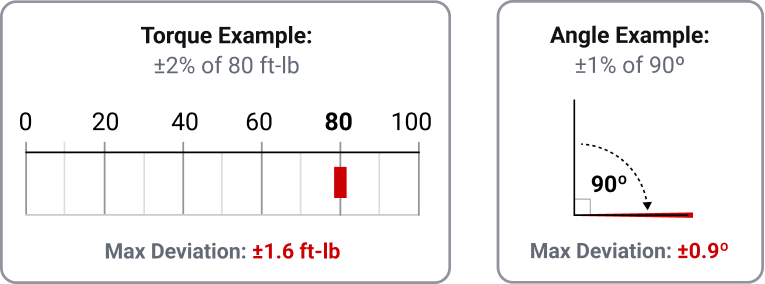
Accurate Within ±2% for Torque and ±1% for Angle
The actual calibration accuracy will be stated on the certificate for your wrench. The maximum allowable deviation from the target will be within ±2% for torque and ±1% for angle, and it’s often on the lower end of the tolerance.
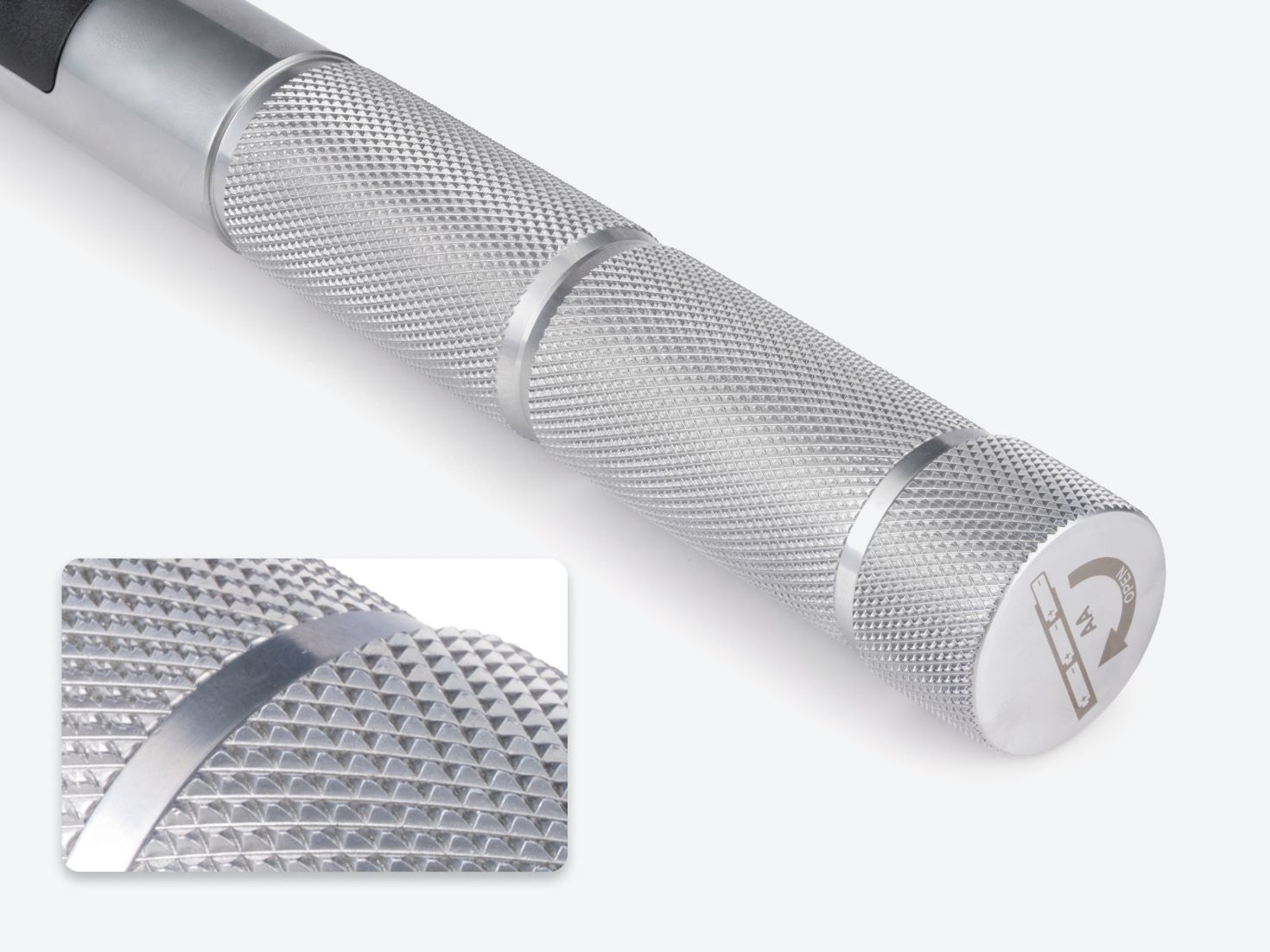
Coarse Knurling for a Secure Grip
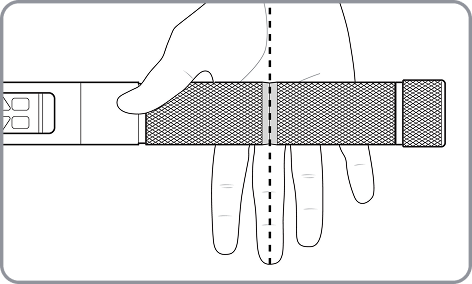
A deep, sharp-cut diamond pattern on the surface of the handle creates a coarse texture that won’t slip in your hand. Grip the handle so your middle finger rests on the groove in the knurling. This is where the pressure should be concentrated for best accuracy.
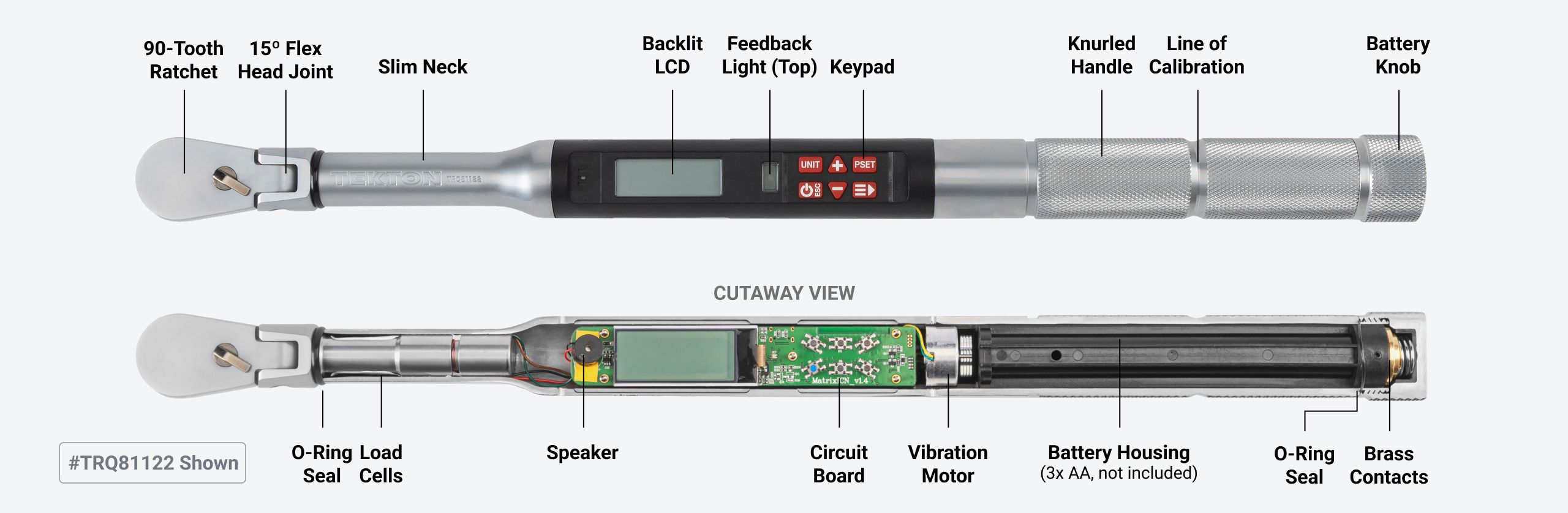
Design and Components
Full-Featured Case
The case provides safe transport for the torque wrench and protects it from drops. The case is made of high-density polyethylene (HDPE) and the latches are polypropylene (PP). Each item in the case has its own place and is held securely.
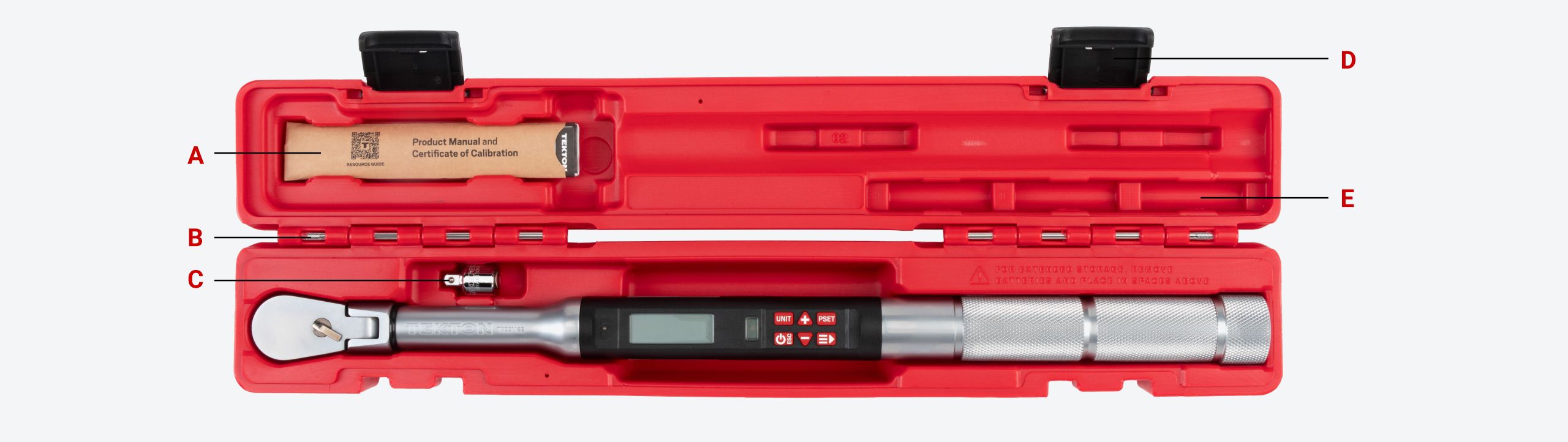
A. Product manual and certificate of calibration
B. Removable metal hinge pins
C. 3/8 inch to 1/4 inch drive reducer included
D. Hard polypropylene latches
E. Long-term storage slots for 3x AA Batteries


